Guides
Do Bluetooth speakers work with a TV?
Usually yes, with one catch that nobody warns you about until the lips stop matching the words.
By Ryder M.Published
 Field-tested picks · 2026
How we are funded: Thump & Tote earns a commission when you buy through our Amazon links, at no extra cost to you. It never changes which speaker we put first — see how we pick and our affiliate disclosure.
Quick picks
Ranked for value first. Tap any row to jump to the full write-up.
| # | Product | Best for | Price |
|---|---|---|---|
| 1 | 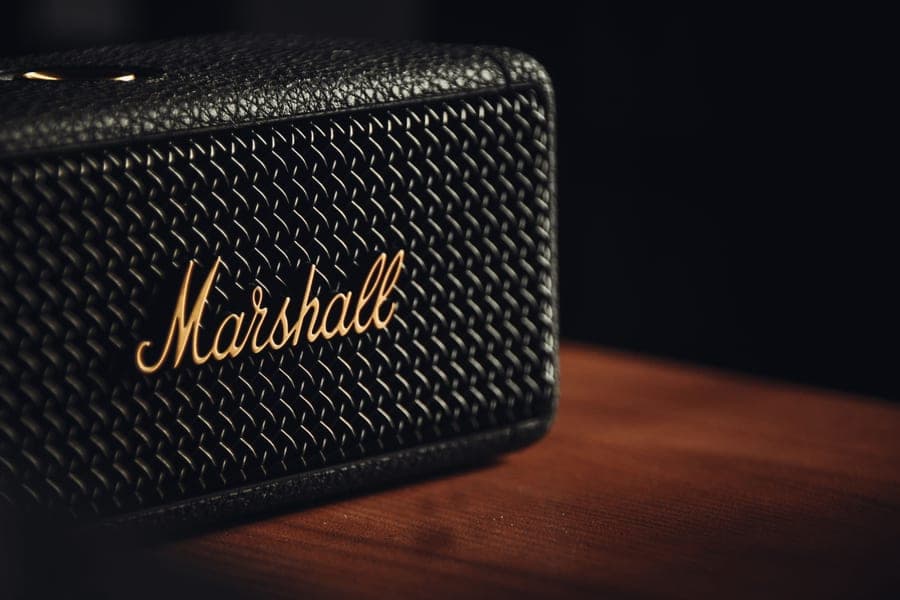 Illustrative IllustrativeBose SoundLink MaxA 3.5 mm input, so sync is never a question. | Best for a TV | Check price on Amazon |
| 2 |  Illustrative IllustrativeTribit StormBox BlastThe cheap way to get the wired path. | Best value with an aux jack | Check price on Amazon |
| 3 | 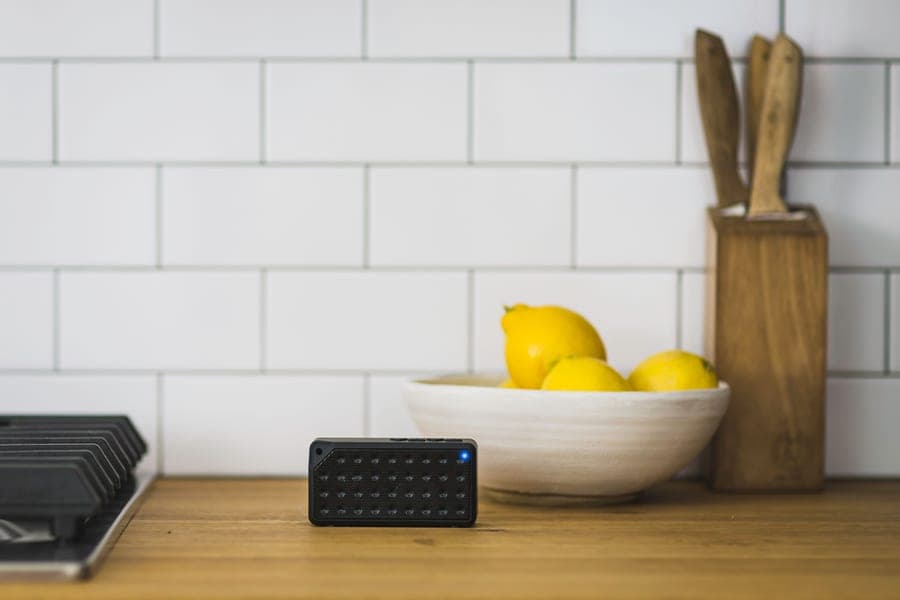 Illustrative IllustrativeSoundcore Motion 300Stereo separation, if your TV behaves. | Best over Bluetooth | Check price on Amazon |
#ad — buy links go to Amazon and we earn a commission on qualifying purchases. Prices change constantly, so the live listing is always the price of record. Full disclosure.
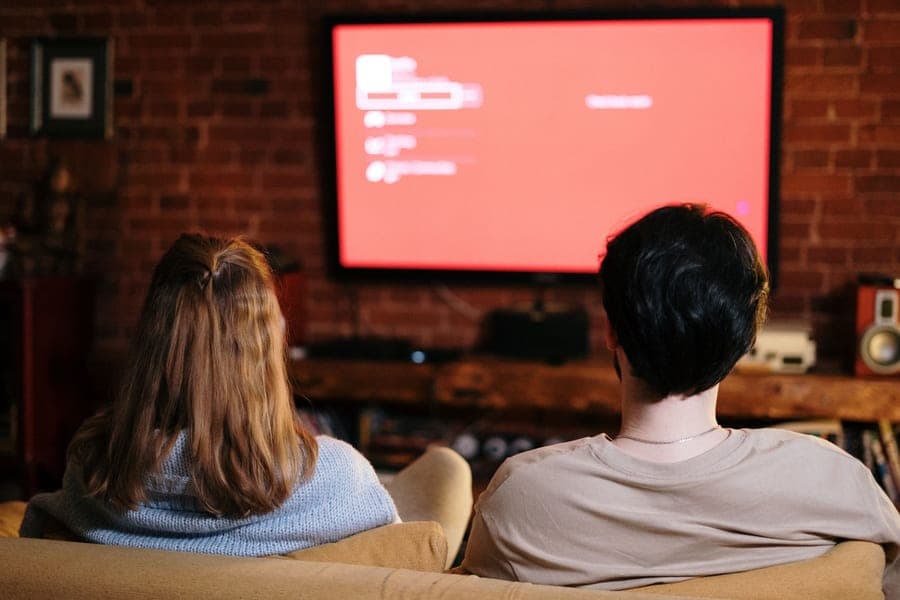
Yes — most smart TVs made in the last several years can send audio to a Bluetooth speaker, but not all of them can, and the one that matters is yours. Check for a Bluetooth speaker option in the TV's sound output menu; on a Samsung set, for example, that lives under Settings, then Sound, then Sound Output, then Bluetooth Speaker List. The catch is lip sync: Bluetooth adds delay, televisions often do not compensate for it, and the only guaranteed fix is a wired 3.5 mm connection.
This question gets answered badly almost everywhere, usually with a flat yes. The honest answer has three parts: whether your television can do it at all, whether the result will be watchable, and what to do when it is not. All three are below.
It is worth knowing why this is awkward in the first place. Televisions were built to send audio out over HDMI and optical cables, where the handshake includes timing information. Bluetooth was built for headphones, where a small delay does not matter because there is no picture. Putting the two together is a retrofit, and it shows.
Step 1 — check whether your TV can do it
- Open the TV's settings and find the sound or audio section.
- Look for Sound Output — this is the menu that chooses between the internal speakers, an HDMI device and anything wireless.
- If you see a Bluetooth speaker list or a Bluetooth audio device option, your television supports it. If the only choices are internal speakers, HDMI and optical, it does not.
- Put the speaker into pairing mode first — hold its Bluetooth button until the indicator flashes — then scan from the television, not from the speaker.
- Select the speaker from the list. The TV will usually mute its own speakers automatically.
Two limitations apply on nearly every television that supports this. Only one Bluetooth audio device can be connected at a time, so you cannot run two speakers for stereo this way. And the connection is often dropped when the set powers off, which means re-selecting the speaker rather than it reconnecting silently the way a phone does.
Step 2 — deal with lip sync
If voices arrive slightly after mouths move, that is Bluetooth latency and it is not a fault. The audio has to be encoded, transmitted, buffered and decoded, and that takes time. Streaming apps on a phone hide this by delaying the video to match. Televisions sometimes do and sometimes do not, and the ones that do often get it approximately right rather than exactly right.
- Look for an audio delay or lip-sync setting in the TV's sound menu and adjust it until speech matches. Many sets have this and most people never find it.
- Turn off any TV picture processing that adds its own delay — motion smoothing and heavy noise reduction both do.
- Try a different source. The TV's own built-in app may sync correctly where an attached console or disc player does not.
- Run a cable. A 3.5 mm lead from the television's headphone output to a speaker with an aux input removes the problem completely, with no setting to tune.
- Use HDMI instead, which means buying a soundbar rather than a portable — covered in Bluetooth speaker vs soundbar.
Step 3 — what to look for in the speaker
- A 3.5 mm aux input. The single most useful feature for television use, and increasingly rare. It makes every sync problem disappear.
- Clear, forward voices rather than heavy bass. Dialogue is the thing people actually want to fix about TV audio. A bass-heavy tuning makes it worse.
- Mains power or a long battery. A speaker that dies halfway through a film is worse than the TV's own speakers. Anything over 20 hours is comfortable.
- A shape that does not block the screen or the remote sensor. Flat profiles sit in front of a television; cylinders do not.
- No app requirement to change volume. If the TV cannot control the speaker's level, you want the speaker's own buttons within reach.
The picks
IllustrativeBest portable speaker for a television
Bose SoundLink Max
The best-sounding portable we know of, and the one that still has an aux jack.
- What it does well
- Keeps a 3.5 mm aux input when almost every rival has dropped one, so it connects to a headphone output and the sync question never arises. Voices are the most natural of anything portable we recommend, which is exactly what TV audio needs, and 20 hours covers a weekend of evenings.
- Where it cuts corners
- Well above this site's usual price ceiling, heavy at 4.9 lb, and 20 hours is beaten by far cheaper speakers if runtime is all you care about.
- Who it is for
- Households that want one speaker for the TV and everywhere else, and care about hearing dialogue.
- Battery: Up to 20 hours
- Water rating: IP67 — submersible to 1 m for 30 minutes, dustproof
- Output: Two 25 W drivers
- Weight: 4.9 lb
#ad — we earn a commission on qualifying purchases. How this is funded
IllustrativeBest value with a wired input
Tribit StormBox Blast
The loudest thing we are willing to call good value.
- What it does well
- A 3.5 mm aux input at a fraction of the Bose, over 32 hours of battery in independent testing, and enough output that a large living room is not a problem. The handle means it also goes outside, which a soundbar never will.
- Where it cuts corners
- Large enough that it will not sit discreetly under a television, fit and finish trails the mainstream brands, and the LED bar should stay off for films.
- Who it is for
- Anyone who wants the wired connection without the premium price, and who will use the speaker elsewhere too.
- Battery: Over 32 hours in independent testing
- Water rating: IPX7 — submersible to 1 m for 30 minutes
#ad — we earn a commission on qualifying purchases. How this is funded
IllustrativeBest over Bluetooth, if your TV behaves
Soundcore Motion 300
Our default recommendation under $100 — stereo, slim, and honestly specified.
- What it does well
- Genuine stereo separation from a single chassis, and a flat profile that sits in front of a television without blocking the screen or the remote sensor. IPX7 and 13 hours, at a price well below either option above.
- Where it cuts corners
- No wired input at all, so you are relying on your television handling Bluetooth sync — test it before committing. Thirty watts is modest for a large room.
- Who it is for
- Bedrooms and small living rooms on a television with a working audio-delay setting.
- Battery: 13 hours
- Water rating: IPX7 — submersible to 1 m for 30 minutes
- Output: 30 W stereo (two 15 W full-range drivers)
#ad — we earn a commission on qualifying purchases. How this is funded
If you came here to buy rather than to troubleshoot, the best Bluetooth speakers for a TV is the ranked roundup, and speakers with an aux input is the wider shortlist of models that still have a jack. For a projector rather than a television — where sync problems are worse, because projectors compensate less — see best for outdoor movies.
And if the honest answer turns out to be that you want a fixed speaker for the television and nothing else, we will say so: Bluetooth speaker vs soundbar makes that case properly rather than pretending a portable is always the answer.
Frequently asked questions
Do Bluetooth speakers work with a TV?
How do I connect a Bluetooth speaker to my TV?
Why is the sound out of sync with the picture?
Can I connect two Bluetooth speakers to one TV?
What if my TV has no Bluetooth and no headphone jack?
Update log
- First publication. The sound-output menu path is cited to Samsung's own support article rather than described from memory, and the lip-sync section is ordered by what fixes the problem most reliably.
Sources
Every specification quoted above comes from the manufacturer or retailer listing below. We publish no measurements of our own — see how we pick.
- Samsung — Pair a Bluetooth speaker to your Samsung TV (manufacturer support)
- Bluetooth SIG — Bluetooth technology overview (profiles, codecs, LE Audio)
- Bluetooth SIG — Auracast and Bluetooth LE Audio
- Bose — SoundLink Max product page (manufacturer specifications)
- Tribit — StormBox Blast product page (manufacturer specifications)
- RTINGS — Tribit StormBox Blast measurements (independent test lab)
- Soundcore — Motion 300 product page (manufacturer specifications)
Read next
By Price
The best Bluetooth speakers for a TV in 2026
Speakers that can actually stay in sync with a picture, and the honest case for a soundbar.
Head-to-Head
Bluetooth speaker vs soundbar in 2026
Sync, dialogue, placement and cost - and the one condition that makes a portable the better TV buy.

By Price
The best Bluetooth speakers with an aux input in 2026
Speakers that kept the 3.5 mm jack, and the three jobs it does that Bluetooth cannot.

Outdoor & Party
The best Bluetooth speaker for outdoor movies
Why a wire beats Bluetooth for a projector, and the four speakers worth putting under the screen.

Guides
Why your Bluetooth speaker keeps cutting out
Dropout causes ranked by likelihood, so you fix it in two steps rather than twenty.
Head-to-Head
Bluetooth vs Wi-Fi speakers in 2026
Range, quality, multi-room and what happens when the network goes down — with a clear verdict.