Guides
Bluetooth speaker won't connect
Nine times out of ten it is holding a pairing you forgot about. Here is how to clear it.
By Ryder M.Published
 Field-tested picks · 2026
How we are funded: Thump & Tote earns a commission when you buy through our Amazon links, at no extra cost to you. It never changes which speaker we put first — see how we pick and our affiliate disclosure.
The usual cause is that the speaker is already connected to something else. A speaker that remembers several devices will silently reconnect to whichever one it saw last — a laptop in the next room, a tablet under the sofa — and then it will not appear as available to the phone in your hand. Turn Bluetooth off on every other device, forget the speaker on your phone, put the speaker into pairing mode deliberately, and connect again. That fixes the large majority of cases.
First, make sure you have the right problem. A speaker that connects and then drops out has a signal problem, and the causes and order of diagnosis are completely different — that is why your Bluetooth speaker keeps cutting out. This page is about a speaker that will not establish a connection at all: it does not show up in the list, it shows up and fails, or it pairs and then plays nothing.
The thirty-second checks
- Is it charged? Many speakers power on, light up and refuse to pair at very low battery. Plug it in and try again before anything else.
- Is it actually in pairing mode? Powered on is not the same thing. Pairing mode is usually a dedicated Bluetooth button held for several seconds, and it is almost always signaled by a *fast* flashing light rather than a slow one or a steady one.
- Is Bluetooth on, and is the phone out of airplane mode? Obvious, and worth ten seconds.
- Is something else already connected to it? The single most common cause. Turn Bluetooth off on every other device in the house that has ever been paired to this speaker.
- Is the phone too close to the router? Rare for pairing specifically, but a saturated 2.4 GHz band can stop a handshake completing.
Clearing a stale pairing properly
Bluetooth pairings are stored at both ends, and the two lists get out of step. The phone thinks it knows the speaker; the speaker has forgotten the phone, or is busy with someone else. Clearing only one side is the mistake that makes people conclude the speaker is broken.
- On the phone, open Bluetooth settings, find the speaker and choose Forget This Device — not just "disconnect".
- Turn Bluetooth off on every other phone, tablet, laptop and television in range that has ever connected to this speaker.
- Reset the speaker's own pairing list. On most speakers this is a button combination held for five to ten seconds; the Bluetooth button alone, or power plus volume-down, are the two most common. Check the manual for yours — the combination is model-specific and guessing can trigger a firmware mode instead.
- Power the speaker off and on again, then put it into pairing mode. Confirm the fast flash.
- Pair the phone as the only device in range, and let it complete before opening anything that plays audio.
It pairs but there is no sound
This is a distinct fault and it is almost always the phone, not the speaker. Bluetooth devices expose separate profiles for media and for calls, and a phone can connect the call profile while leaving media routed to the handset.
- Open the playback app and check the output device selector — on both iOS and Android there is a per-app or system-level picker that may still be pointing at the phone.
- In the phone's Bluetooth settings, open the speaker's detail page and confirm media audio is enabled, not just call audio.
- Check the speaker's own volume separately from the phone's. They are independent, and a speaker left at zero after its last use will pair silently.
- If the speaker has multiple inputs — aux, microSD, FM — make sure it is actually on the Bluetooth source. Speakers like the FM-capable models default to the last source used.
It worked yesterday and will not today
A sudden failure after a period of working almost always traces to a change on the phone rather than on the speaker: an operating system update that reset the Bluetooth stack, a new device paired in between, or a battery-saver mode that is now restricting background radio activity. Turn battery saver off, restart the phone, and clear the pairing as above. Restarting a phone genuinely does fix Bluetooth more often than it should.
If the speaker will not pair with anything — a second phone, a laptop, a friend's device — after a full pairing-list reset, then it is a hardware fault and the diagnosis is over. On a portable speaker that is not economically repairable. Whether it is worth replacing depends on how old it is, which is the subject of how long Bluetooth speakers last.
Speakers that cause the fewest pairing problems
Pairing reliability is not something anyone publishes a number for, so this is an editorial judgment rather than a measurement. What we can say is that the speakers that cause the least trouble share two traits: a recent Bluetooth version, which handles reconnection and multipoint far better than Bluetooth 4.x ever did, and a clearly signaled pairing mode you can confirm visually.
 Illustrative
Most reliable reconnection
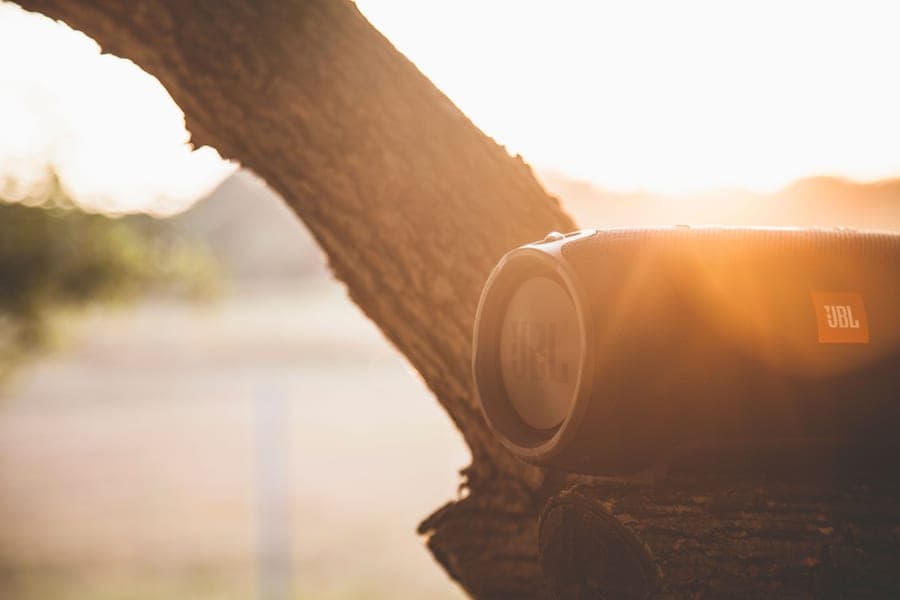
JBL Flip 7
The default mid-size pick, and the speaker every value brand is trying to undercut.
- What it does well
- Bluetooth 5.4 and JBL's current firmware handle reconnection and device switching more gracefully than anything else here, and the pairing indicator is unambiguous. Auracast means adding a second speaker later does not involve the pairing dance that older multi-speaker systems did.
- Where it cuts corners
- You pay the JBL premium in full, there is no aux input, and several speakers run considerably longer for less.
- Who it is for
- Households with several phones and a speaker that gets handed around.
- Battery: 14 hours, plus up to 2 more in Playtime Boost mode
- Water rating: IP68 — submersible to 1.5 m for 30 minutes, dustproof
- Weight: 1.82 lb (about 560 g)
#ad — we earn a commission on qualifying purchases. How this is funded
 Illustrative
Best app control over pairing
Soundcore Motion 300
Our default recommendation under $100 — stereo, slim, and honestly specified.
- What it does well
- Soundcore's app exposes the paired-device state clearly and lets you manage it without memorizing a button combination, which is exactly what makes pairing problems tractable. IPX7 and thirteen hours make it a real portable rather than a desk fixture.
- Where it cuts corners
- Thirty watts is a room speaker rather than a yard speaker, it is the most expensive pick here, and it does not float.
- Who it is for
- Desks and counters, for people who would rather tap a setting than hold three buttons.
- Battery: 13 hours
- Water rating: IPX7 — submersible to 1 m for 30 minutes
- Output: 30 W stereo (two 15 W full-range drivers)
#ad — we earn a commission on qualifying purchases. How this is funded
 Illustrative
Simplest to reset
Anker Soundcore 2
Years old, still sold, still the battery-life champion of the cheap shelf.
- What it does well
- There is almost nothing to go wrong: a short row of physical buttons, no app required, and a pairing reset that is a single documented button hold. Twenty-four hours of battery also removes the low-battery failure mode that stops many speakers pairing.
- Where it cuts corners
- Visibly dated, no dust rating, soft treble next to recent designs, and an older Bluetooth generation than the picks above — which is a reason it is simple rather than clever.
- Who it is for
- A speaker that lives with one device and needs to just work, including for someone who will not troubleshoot it.
- Battery: 24 hours
- Water rating: IPX7 — submersible to 1 m for 30 minutes
- Output: 12 W stereo
#ad — we earn a commission on qualifying purchases. How this is funded
If you are setting a speaker up for someone else, pair it to exactly one device and clear everything else — including any pairing you made while testing it. That single habit prevents most of the calls that follow, and it is the main recommendation on the best easy-to-use speakers for seniors.
Frequently asked questions
Why won't my Bluetooth speaker connect to my phone?
How do I reset a Bluetooth speaker?
My speaker is paired but there is no sound. What now?
Why does my speaker appear in the list but fail to connect?
Is a speaker that won't pair with anything repairable?
Update log
- First publication. Scoped deliberately to pairing failures rather than dropouts, which are a separate fault with a different diagnosis order, and ordered by how often each cause is actually responsible.
Sources
Every specification quoted above comes from the manufacturer or retailer listing below. We publish no measurements of our own — see how we pick.
- Apple — connect Bluetooth accessories to iPhone
- Android Help — connect to Bluetooth devices
- Bluetooth SIG — Bluetooth technology overview (profiles, codecs, LE Audio)
- Bluetooth SIG — Auracast and Bluetooth LE Audio
- JBL — Flip 7 product page (manufacturer specifications)
- Soundcore — Motion 300 product page (manufacturer specifications)
- Soundcore — Soundcore 2 product page (manufacturer specifications)
Read next
Guides
Why your Bluetooth speaker keeps cutting out
Dropout causes ranked by likelihood, so you fix it in two steps rather than twenty.
Guides
Why your Bluetooth speaker sounds muffled or distorted
Muffled, crackling, static or skipping — how to tell which fault you have, and what fixes each.
Guides
How to pair two Bluetooth speakers
Platform-by-platform steps for stereo and multi-speaker pairing — and why cross-brand does not work.
By Price
The best easy-to-use Bluetooth speakers for seniors
Physical buttons, FM radio and long battery — speakers that work without an app or a sign-in.

Head-to-Head
Auracast vs PartyBoost: what JBL changed
Which JBL speakers link with which, the single model that bridges both, and the cheaper way to get stereo.
Guides
How long do Bluetooth speakers last?
Product lifespan separated from battery runtime — what fails, when, and how to delay it.